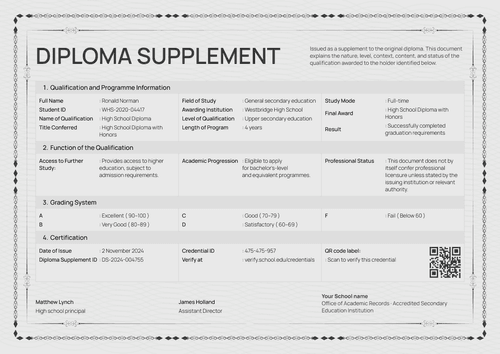
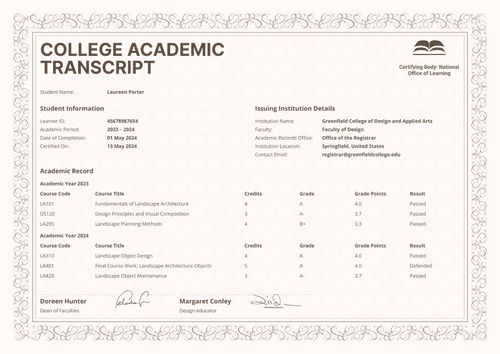
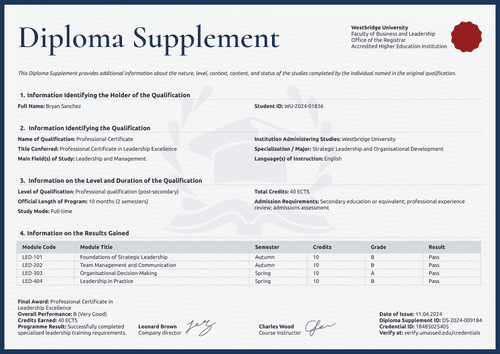
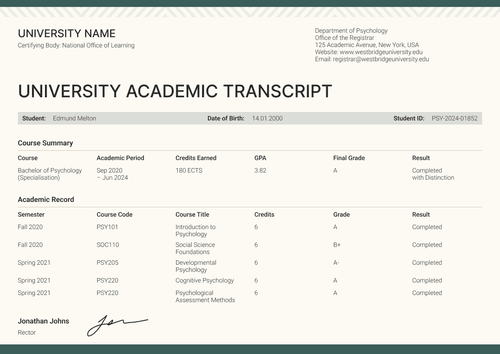
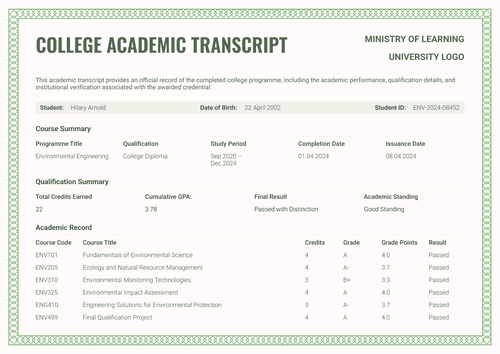
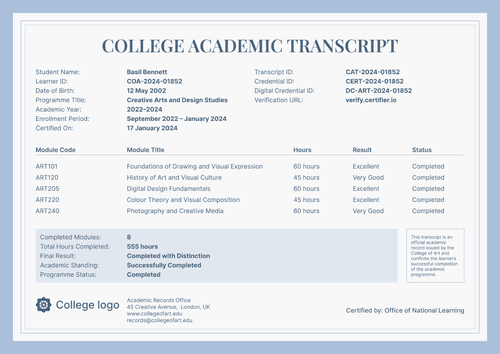
Formal beige diploma supplement template
Adapt this formal beige diploma supplement template online or receive the editable Word files. Pair it with a credential and issue both in Certifier.
Customize this template for free
Email and export in bulk
Track recipient engagement
Download in
Don't have Certifier account? Sign up
Free formal beige diploma supplement template
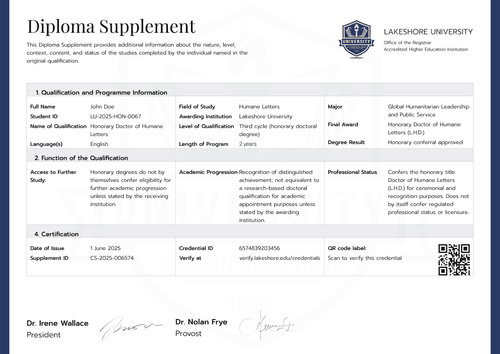
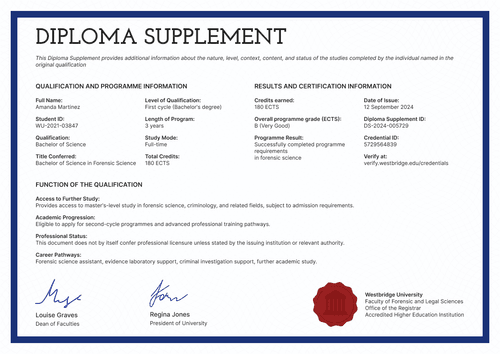
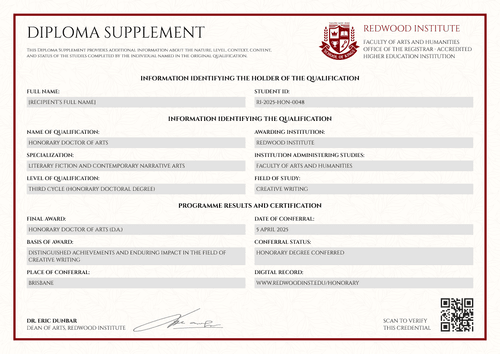
This formal beige diploma supplement template gives university registrars and academic records offices a concise, single-institution layout for recording a graduate's qualification alongside their core diploma. The soft cream background and four-part table structure keep the page formal but easy to scan.
Open the design in Certifier's online editor to add your institution's letterhead, seal, and signature, then map the graduate name, registration number, and qualification fields to your student records.
Bundle it with a matching diploma or certificate of completion design so both are issued together. You have multiple options to issue in bulk: upload a spreadsheet, or connect Certifier to your LMS like Canvas or Moodle and generate and deliver the entire cohort's supplements at once.
Each graduate receives a personal verification link they can share with an employer or another educational institution.
What is a professional diploma supplement?
A diploma supplement is a standardized document that explains the nature, level, context, and content of a qualification a graduate has completed.
This formal beige version condenses that record into a single-page, four-part layout covering holder details, qualification information, level and duration, and certification, rather than the longer, multi-page formats used for detailed module transcripts. All you need is a free Certifier account to customize, edit, and issue this design online.
This editable supplement is meant to be paired with a matching diploma or certificate as part of a complete higher education credential.
The layout is available in A4 and US Letter, in portrait and landscape orientations. You can also get it as a diploma supplement Word template.
What should a diploma supplement include?
A well-structured diploma supplement should present academic information according to the relevant institutional requirements. The following fields are editable in Certifier’s online builder:
Static fields
- Institution Header & Logo: Space for the university logo, department name, and office (e.g., Office of Academic Records), showing who stands behind the record.
- Section Labels: Four fixed headings–holder, qualification, level and duration, certification–that keep the supplement's structure consistent and easy to cross-reference.
- Signature Line: A designated space for the university president or registrar's signature, adding institutional accountability to the document.
- Formal Beige Frame: Fine geometric side borders and a restrained neutral palette coordinate with the companion certificate.
Dynamic fields (automatically populated by Certifier)
- Full Name & Registration Number: Identify the qualification holder and their institutional record.
- Name of Qualification & Title Conferred: State the qualification type and full award title.
- Main Field(s) of Study & Specialization / Major: Describe the subject area and specialization.
- Awarding Institution & Institution Administering Studies: Name the awarding body and the school delivering the program.
- Language(s) of Instruction / Examination: Record the language used for teaching or assessment.
- Level of Qualification & Official Length of Program: Show the qualification cycle and expected study period.
- Study Mode: Specify whether the program was full-time, part-time, or delivered through continuing education.
- Total Credits & Admission Requirements: Record the ECTS total and entry qualification.
- Date of Issue & Credential IDs: Display the issue date, diploma supplement ID, and credential ID.
- Verification Details: Provide a verification URL and QR code.
- Authorized Signatory: Show the approver’s name, title, and signature.
These are the fields visible in this design, not a universal or pre-mapped standard. You can configure the exact fields your registrar's office needs in Certifier's design builder.
How to issue a diploma supplement
To automate the delivery of your transcripts and supplements, follow this simple, 4-step workflow:
- Customize the design and your branding — Open the template in the online editor. Choose your size (A4 or US Letter) and orientation. Upload your university logo, stamp, and digital signature. Then, select the dynamic text blocks (like graduate names, grades, and ECTS credits) on the designs.
- Bundle it with a matching companion document — Attach the supplement design to your primary course completion diploma template. This lets you issue the diploma and transcript together in one step.
- Connect your tools — Link Certifier to your student database or LMS. Native integrations support connections with Canvas LMS, Moodle, LearnDash, and dozens of other apps.
- Issue, deliver, and verify — Have the registrar or designated records officer approve the final data and layout, issue in bulk, and check the personal credential link and QR destination before delivery.
Available diploma supplement template formats to customize
Edit and issue the beige diploma supplement template online
Open the design in Certifier if you want graduate-specific data, direct email delivery, and a live credential page for each supplement.
Download the beige diploma supplement template in Microsoft Word
Enter your email address to receive a ZIP with the editable Word files in portrait and landscape, A4 and US Letter, plus the fonts used in the design. This offline option suits registrar's offices that need to review or archive a Word master before issuing digitally.
Export an issued diploma supplement as PDF
Once a supplement is issued through Certifier, graduates can download a print-ready PDF from their email or verification page, and your office can bulk-export issued supplements as PDFs from the issuer dashboard, within your plan's limits.
Who issues diploma supplements?
University registrars and academic records offices
Registrars issue diploma supplements so graduates can transfer credit, apply for further study, or give employers a verified, editable diploma supplement instead of a plain transcript.
Continuing education and postgraduate certificate providers
Continuing-education institutes and part-time postgraduate programs issue supplements to document non-traditional or accelerated qualifications, like short professional certificates.
Online and hybrid degree-granting academies
Accredited online academies and hybrid programs issue supplements so remote graduates have the same verifiable, exportable higher education qualification supplement as an in-person cohort.
Frequently asked questions
Certifier templates are provided for general informational and design purposes only. They do not constitute legal, regulatory, accreditation, or academic-recognition advice and are not guaranteed to satisfy the requirements of any institution, recognition body, regulator, or jurisdiction. Using this template does not by itself make a document an official diploma supplement or prove a qualification. The issuing organization is responsible for verifying the content, authority, approvals, and suitability of every document before use. This template is not an official Europass document and does not guarantee recognition of a qualification.