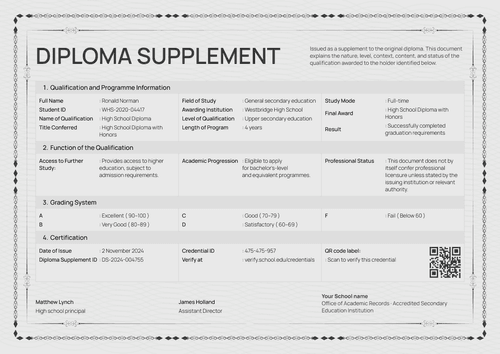
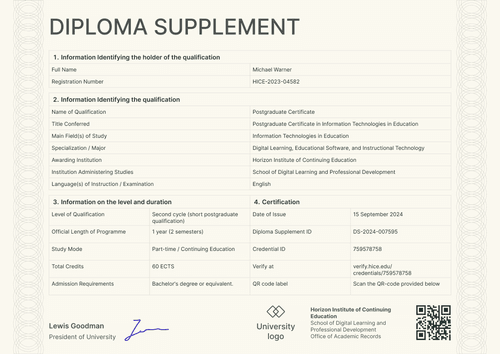
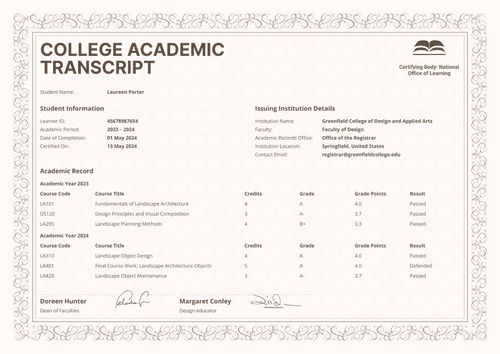
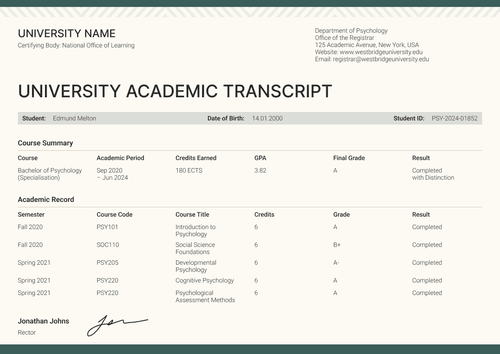
Professional gray graduation diploma supplement template
Personalize this professional gray graduation diploma supplement online or receive the editable Word package. Map approved qualification data, then pair it with the matching graduation certificate.
Customize this template for free
Email and export in bulk
Track recipient engagement
Download in
Don't have Certifier account? Sign up
Free professional gray graduation diploma supplement template
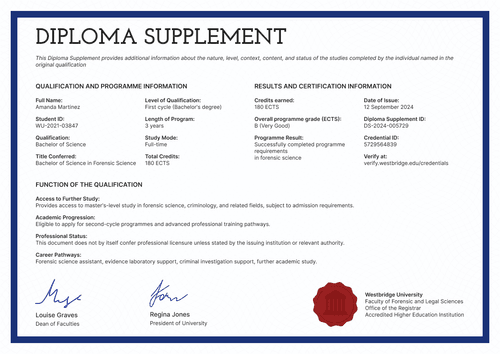
This professional gray graduation diploma supplement template gives higher education records teams a concise layout for an approved professional qualification. The visible example records a Professional Certificate in Leadership Excellence and its module results.
The set includes portrait and landscape supplements plus a matching certificate of graduation. A dark blue frame, gray result table and red seal keep the documents visually connected.
Open the design in Certifier to replace the sample university and learner data. Map each changing field to the approved academic record, then attach the matching credential template so the supplement and certificate are issued together. All you need is a free Certifier’s account to start.
To issue in bulk, upload a spreadsheet or connect Certifier to your LMS. Each graduate gets a personal verification link they can share with an employer or another school.
What is a graduation diploma supplement?
A graduation diploma supplement adds context to a qualification. It identifies the holder and explains the award’s level, study structure and recorded results.
The supplement lists the qualification and major before presenting the program length, ECTS total and module grades.
While the matching graduation diploma gives a shorter statement of completion, the supplement provides the detailed evidence. The two documents should refer to the same learner and final award.
Used under institutional control, the set supports a broader digital credentials for higher education workflow and keeps the supporting evidence connected to the main credential.
What does this graduation diploma supplement include?
The content should match the institution’s approved qualification record. The following elements are visible in the supplied design:
Static layout elements
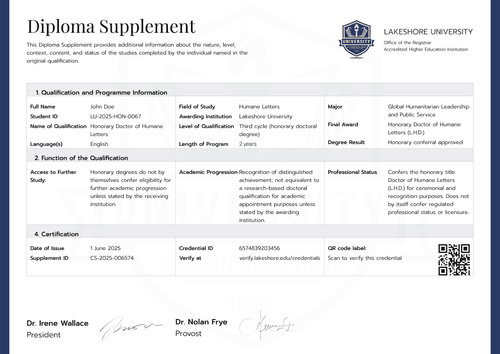
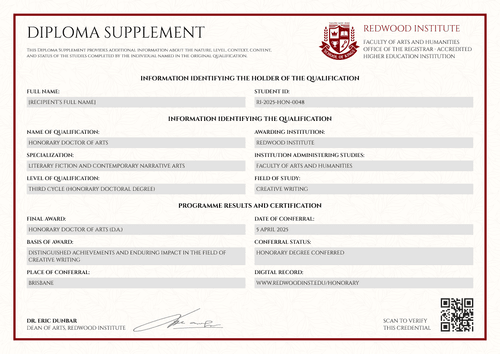
- Institutional identity area: Fixed positions hold the university and faculty names. The registrar’s office, accreditation statement and red seal identify the issuing organization.
- Purpose statement: A fixed introductory sentence explains that the supplement adds information about the qualification named in the original record.
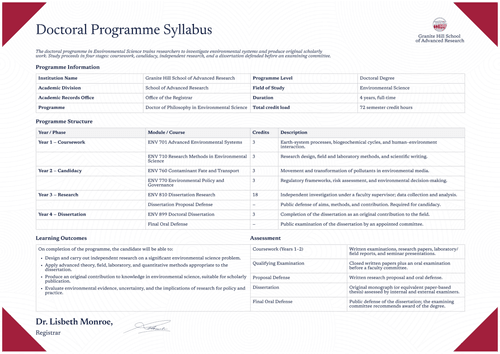
- Four-section structure: Numbered headings separate holder information from qualification details. Later sections cover the level and duration before presenting results.
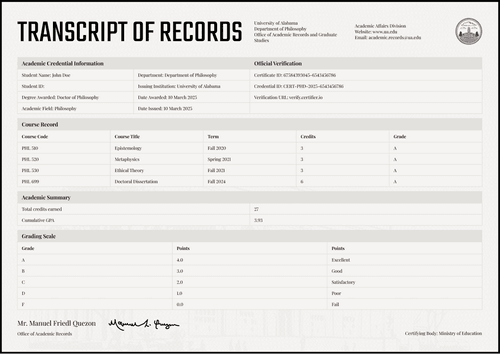
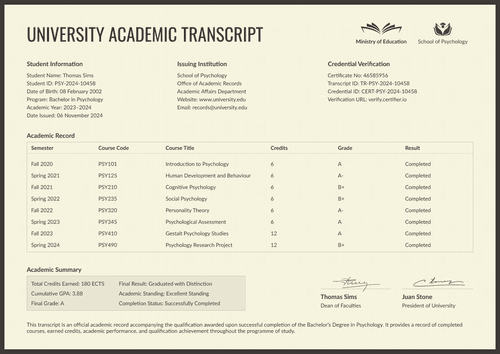
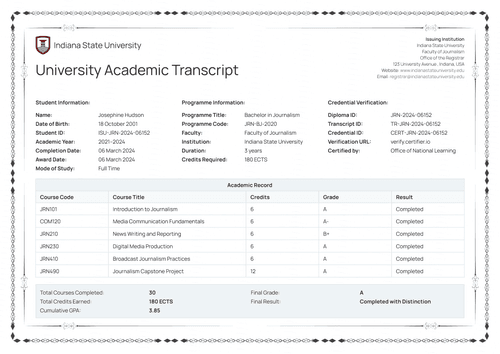
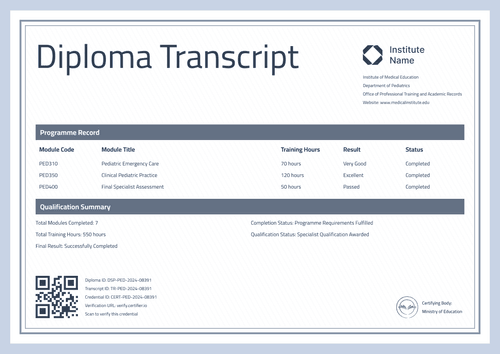
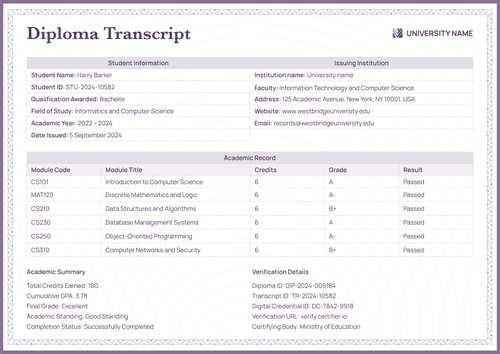
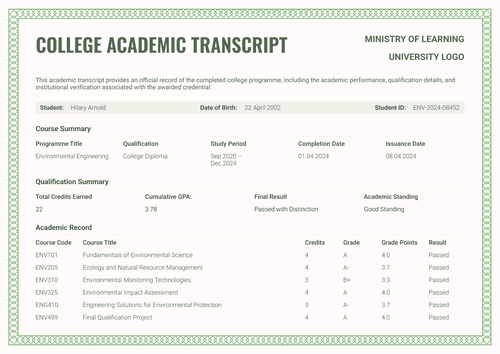
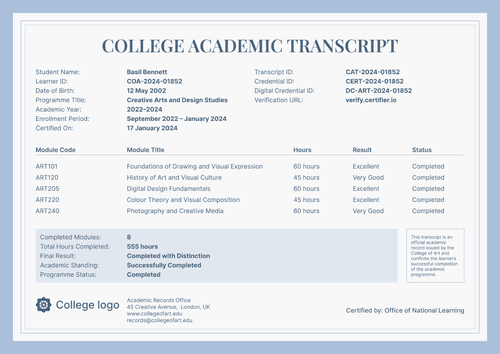
- Module results table: Fixed column labels organize module code and title. Separate positions hold semester, credits, grade and result.
- Award summary area: A labeled block below the table groups the final award, overall performance, earned credits and program result.
- Authorization and verification area: Two signatory positions appear at the bottom. A separate block reserves space for issue and verification data.
- Professional gray styling: A blue frame, gray table shading and pale institutional watermark connect the supplement to the graduation certificate.
Dynamic fields (automatically populated after mapping in Certifier)
- Holder identity: Full name identifies the recipient. The student ID connects the supplement to the institution’s approved learner record.
- Qualification context: Qualification name and title conferred state the recorded award. Main field of study, specialization and language describe its academic context.
- Administering institution: The institution administering studies identifies who delivered the program, which may differ from the authority that approves the final record.
- Level and study structure: Qualification level and official program length define the scope. Study mode, total ECTS credits and admission requirements explain how the program was structured.
- Module record rows: Each row gives the module code and title. Semester and credit values sit beside the module grade and result.
- Final award result: Final award and overall performance summarize the qualification. Credits earned and program result state the approved completion outcome.
- Certification and signatories: Issue date, supplement ID and credential ID connect the record to its verification URL. Signer names, titles and signatures show who approved it.
These are the changing fields visible in the supplied design. They are not guaranteed to be pre-mapped. Configure each field in Certifier’s design builder and use only values approved by the responsible academic office.
The supplement ID and credential link should resolve to the correct issued record. Review Certifier’s verification features before setting the final verification route.
How to issue the professional gray graduation diploma supplement
Use this four-step controlled workflow:
- Customize the layout - Open the diploma supplement template, select your size (A4 or US Letter) and orientation, and add your organization's logo, address, and signature block.
- Map the record - Decide what dynamic text blocks (like recipients' names, qualification details, supplement ID) to include on the designs and map them.
- Attach the graduation certificate - Pair the supplement with the matching certificate. Confirm that both documents use the same learner, final award and access settings.
- Test, approve and issue - Generate a test credential and inspect every value. Open the verification link, obtain approval from the authorized academic office and then issue the credential set.
Available graduation diploma supplement template formats
Edit and issue the gray supplement online
Use Certifier to update fixed wording and map learner-specific fields. The online route keeps the supplement connected to its issued credential and companion certificate.
Receive the gray supplement in Microsoft Word
Enter an email address in the catalog popup to receive the available Word package. The offline layouts are editable files, not approved or verifiable academic records.
Export an issued supplement as PDF
Recipients may download an issued supplement from their credential page. Issuers may export PDF records within their plan limits. Browse certificate templates if a different graduation design is required.
Who issues graduation diploma supplements?
University registrars and academic records offices
Registrars issue supplements to explain an approved qualification and connect it to the institution’s official learner record. They also control the credit system, result data and correction process.
Continuing education and postgraduate certificate providers
Authorized institutes and postgraduate units issue supplements for professional certificates or shorter academic programmes when institutional policy permits them to award and record the qualification.
Online and hybrid higher education institutions
Accredited online and hybrid institutions issue supplements so remote graduates receive the same structured qualification evidence as learners in an in-person cohort.
Frequently asked questions
Certifier templates are provided for general informational and design purposes only. They do not constitute legal, regulatory, accreditation, or academic-recognition advice and are not guaranteed to satisfy the requirements of any institution, recognition body, regulator, or jurisdiction. Using this template does not by itself make a document an official diploma supplement or prove a qualification. The issuing organization is responsible for verifying the content, authority, approvals, and suitability of every document before use. This template is not an official Europass document and does not guarantee recognition of a qualification.