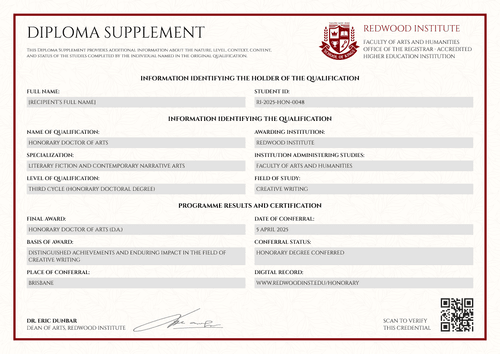
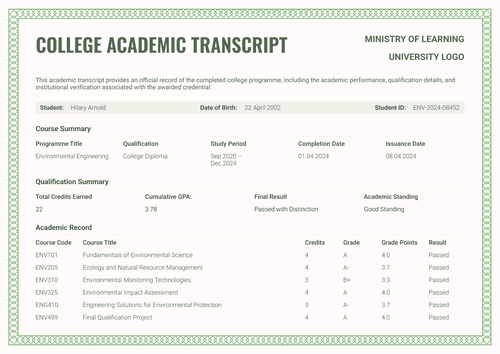
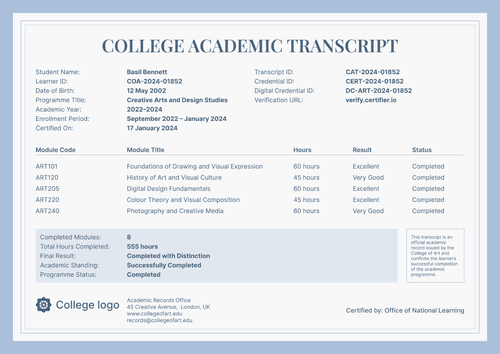
Professional blue diploma transcript template
Document a specialist program on one verifiable page: modules, training hours, and results. Pair it with the Diploma of Specialist certificate and issue both as one credential.
Customize this template for free
Email and export in bulk
Track recipient engagement
Download in
Don't have Certifier account? Sign up
Free professional blue diploma transcript template
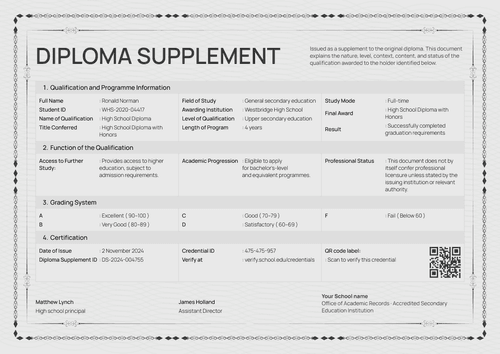
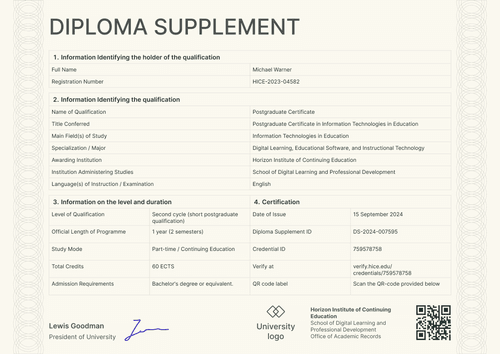
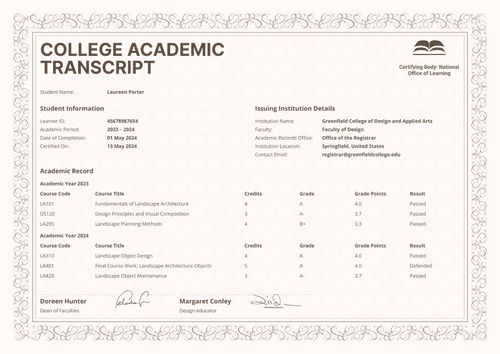
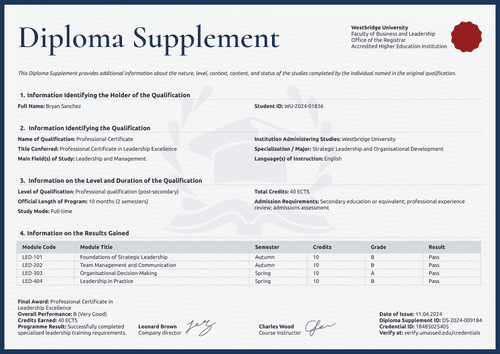
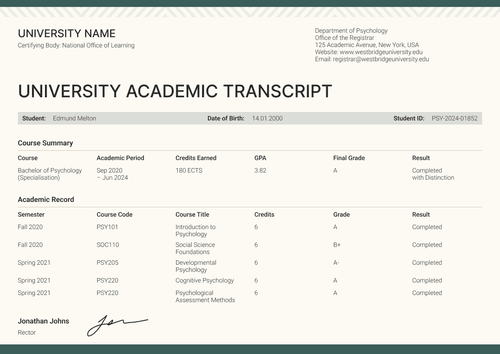
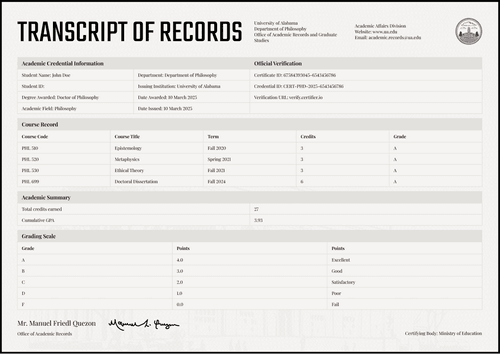
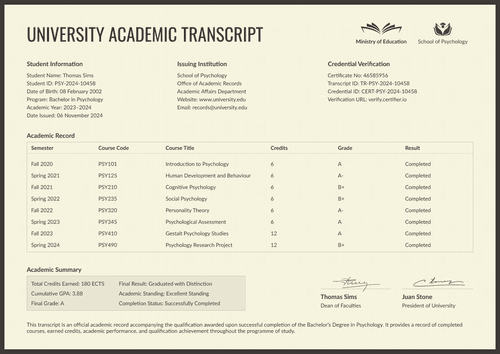
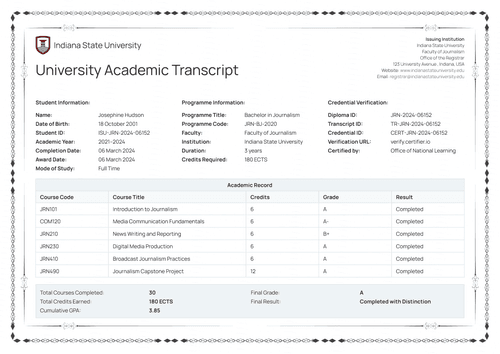
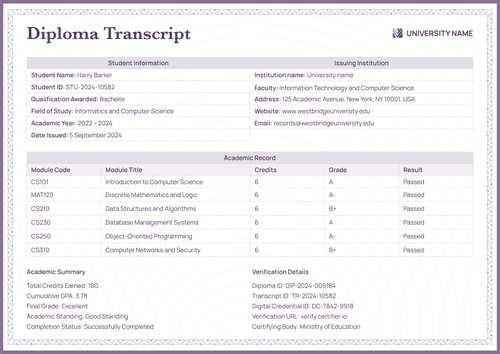
This free diploma transcript template records a completed specialist program module by module, with training hours, results, and status for each, then totals the program in a qualification summary.
The sample content shows a medical education institute documenting a pediatrics specialist program. The same layout works for any professional or clinical training where an authorized issuer must show what was trained, for how long, and with what outcome.
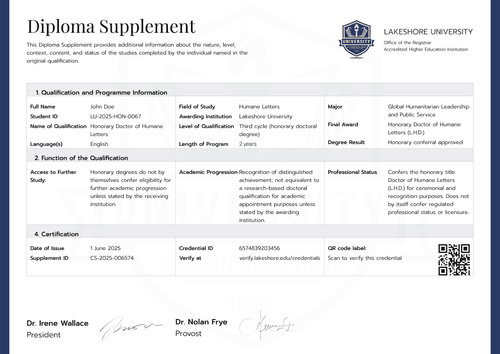
The design keeps things professional with a slate-blue frame, gray section bars, and a plain table that reads well on screen and in print. A QR code and credential IDs sit in the footer, where a verifier expects them.
To issue transcripts in bulk at the end of each program, import the records from a spreadsheet or connect your LMS to Certifier.
What is a diploma transcript template?
A diploma transcript is the record that stands behind a professional qualification. It shows the modules completed, the time invested in each section, and the results, so a hospital, employer, or licensing reviewer can judge the training on facts.
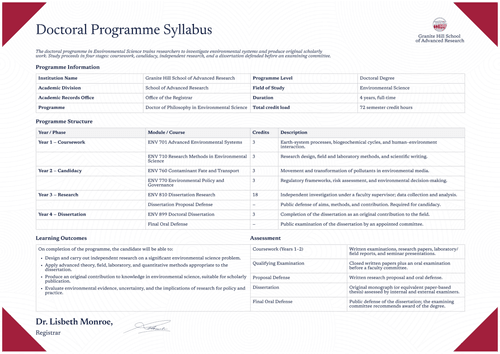
This design splits the job across pages: the record and summary up front and the program description behind it. Both are available in A4 (21 x 29.7 cm) and US Letter (8.5 x 11 in), in portrait and landscape orientations.
Issue it through Certifier with the matching Diploma of Specialist certificate, so that each graduate carries the award and its evidence as a single credential under a single verification link. Create a free Certifier account to start customizing and issuing professional diploma transcripts.
What should a diploma transcript include?
An authorized issuer should be able to map every field to an approved data point before issuing. Here are the key elements this design includes:
Static fields
- Institute Block: Institution, department, and records office lines (e.g., Institute of Medical Education, Department of Pediatrics).
- Opening Statement: Standing text that names the document as an official academic record of the completed program.
- Section Bars: Shaded headings for recipient information, program record, and qualification summary.
- Program Record Headers: Column set for the module table: module code, module title, training hours, result, and status.
- Certifying Body Area: Seal position and label space (e.g., Ministry of Education).
Dynamic fields (automatically populated by Certifier)
- Recipient Name & Learner ID: Identity fields tying the record to one specialist (e.g., PED-2024-08391).
- Date of Birth: An identity-matching field common in regulated training records (e.g., 15 May 1997).
- Program Title: Field naming the qualification being documented (e.g., Specialist Program in Pediatrics).
- Program Code: Reference field linking the record to your program catalog (e.g., PED-SP-2023).
- Completion Date: Date field marking when the program requirements were fulfilled (e.g., 02 September 2024).
- Module Code & Title: Row-level identifiers for each module completed (e.g., PED205, Pediatric Diagnostics and Assessment).
- Training Hours per Module: Value field recording supervised time on each row (e.g., 90 hours).
- Result & Status per Module: Paired outcome fields closing each row (e.g., Excellent; Completed).
- Total Modules & Training Hours: Summary counts for the whole program (e.g., 7 modules; 550 hours).
- Final Result: Text field restating the program outcome (e.g., Successfully Completed).
- Completion & Qualification Status: Status fields confirming the award (e.g., Program Requirements Fulfilled; Specialist Qualification Awarded).
- Diploma ID & Transcript ID: Tracking codes for the award and for this record (e.g., DSP-PED-2024-08391).
- Credential ID & Verification URL: Unique live verification page link (e.g., CERT-PED-2024-08391).
- QR Code: Scannable code opening the credential page. (QR codes are placed in the design builder on the Professional plan and above.)
Treat the list as a description of this design, not a required standard. Fields can be renamed, moved, or removed in Certifier's design builder as your approved record demands.
A record this detailed leans on custom attributes. The Certifier’s free Starter plan includes three text attributes, while the Professional plan allows up to ten across text, number, date, and image types.
How to issue a diploma transcript
To issue a custom diploma transcript using Certifier, follow these five steps:
- Adapt the design to your institution’s brand — Choose the size and orientation, then add your institute block, seal, and digital signature. Mark the dynamic text blocks, including recipient names, training hours, and module results.
- Bundle it with the matching Diploma of Specialist — Link the transcript to the specialist certificate so that the qualification and its evidence are generated in the same run.
- Upload specialist data — Connect your records system or use our native integrations with LMS apps like Canvas, Moodle, and LearnDash; populating the design with your data takes less than a minute.
- Issue, deliver, and verify — Certifier issues and emails each specialist their own transcript automatically. Recipients can download the document or share it online using QR codes.
- Measure credential engagement and manage errors — Track email opens, credential views, downloads, and shares for every diploma transcript in the Credential Repository. A specialist's details can be corrected without reissuing, plus the public record updates immediately.
Available diploma transcript template formats to customize
Edit and issue the template online with Certifier
Open the design in Certifier and unlock an automated document-issuing workflow: recipient-specific data, delivery straight to each specialist's inbox, and a live credential page for every record.
Download the diploma transcript template in Word
Would you rather work in your own files? Enter your email address and receive a ZIP file with the customizable Word documents in both portrait and landscape orientations, in A4 and US Letter sizes.
PDF document export
Every issued transcript also serves as a print-ready PDF that specialists and coordinators can download directly from the delivery email or the credential page.
Who issues diploma transcripts?
Medical and clinical training institutes
Institutes documenting specialist programs use the hours-based table to show exactly how much supervised training stands behind the title.
Graduate schools
Professional graduate programs pair the transcript with the specialist diploma, so a reviewer never has to request the details separately.
Authorized records offices
Records teams in regulated fields choose this design when the record must name the program, the hours, and the certifying body on one page.
Frequently asked questions
Certifier templates are provided for general informational and design purposes only. They do not constitute legal, regulatory, accreditation, or academic-recognition advice and are not guaranteed to satisfy the requirements of any institution, recognition body, regulator, or jurisdiction. Using this template does not by itself make a document an official diploma supplement or prove a qualification. The issuing organization is responsible for verifying the content, authority, approvals, and suitability of every document before use. This template is not an official Europass document and does not guarantee recognition of a qualification.