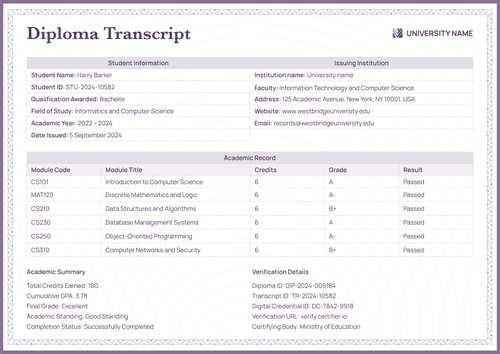
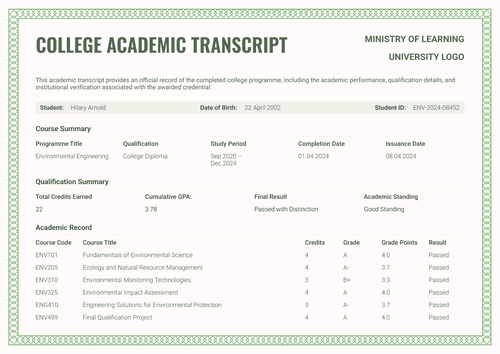
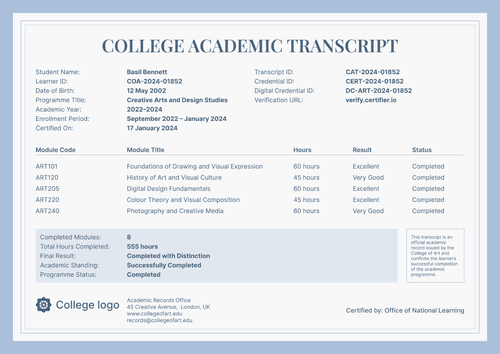
Formal red PhD diploma supplement template
Document a doctoral award even when there are no courses to list. This supplement states the qualification, the basis for the award, and the conferral details on a single signed page.
Customize this template for free
Email and export in bulk
Track recipient engagement
Download in
Don't have Certifier account? Sign up
Free formal red PhD diploma supplement template
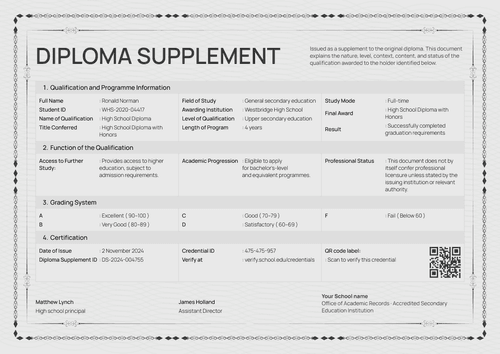
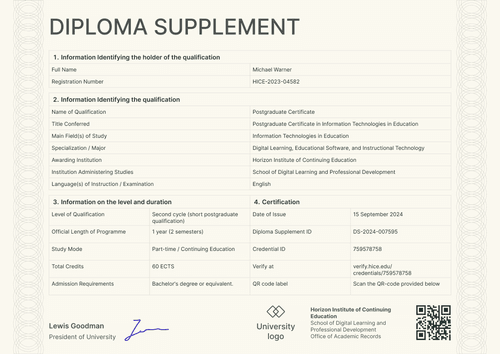
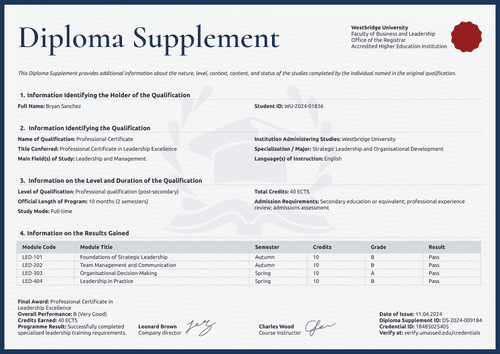
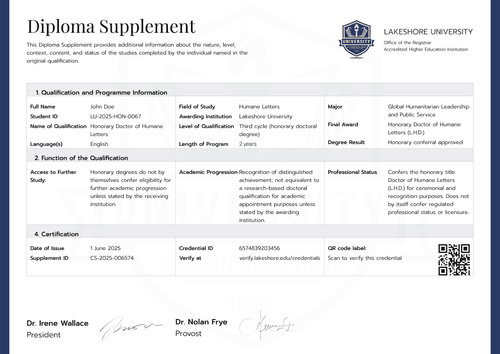
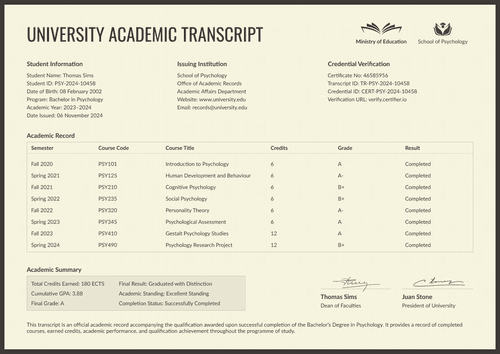
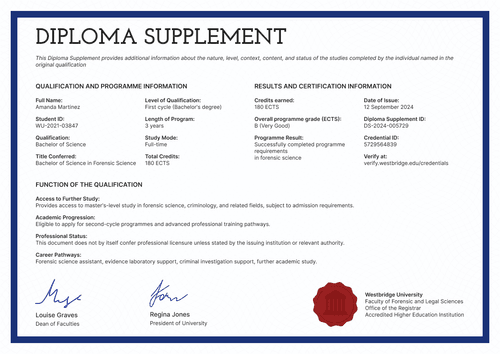
This free diploma supplement template has three labeled sections that provide essential information about the holder, the qualification, and the program results and certification.
The design serves higher education registrars, academic records offices, graduate schools, and institutions authorized to award the represented qualification, for earned and honorary doctorates alike.
The layout includes deep red accents framing a crest, a serif title, and tidy two-column tables. A QR code sits beside the dean's signature, so a reader can check the record as soon as they finish reading it.
The matching doctoral degree certificate uses the same crest and red seal, which keeps the award and its explanation looking like one family of documents.
Conferring more than one honorary degree this year? Import the records from a spreadsheet or connect your LMS and every supplement is ready before the conferral. Each recipient receives a personal verification link they can share with a publisher, a festival, or another institution.
What is a PhD diploma supplement?
A diploma supplement explains a qualification so that another institution or employer can judge it fairly. For each doctorate, it specifies the level, field, awarding institution, and basis for the degree.
This design handles that on one page. It works for a defended dissertation or an honorary conferral, because the fields describe the award rather than assume a course record. The design covers A4 (21 x 29.7 cm) and US Letter (8.5 x 11 in) sizes, in both portrait and landscape orientations.
Certifier issues the supplement along with the matching degree certificate as a single credential set, with a single verification link. Sign up for a free account to customize the supplement before your next conferral.
What should a PhD diploma supplement include?
A reader should leave this page knowing what was awarded, by whom, and why. The design carries the following editable elements:
Static fields
- Purpose Note: Standing text on the nature, level, context, content, and status of the studies.
- Institution Header: Crest, institution name, faculty, records office, and accreditation lines.
- Section Headings: Three labeled blocks for holder identification, qualification identification, and program results and certification.
- Signature Area: Designated space for the signer's name and role (e.g., Dean of Arts).
Dynamic fields (automatically populated by Certifier)
- Full Name & Student ID: Identity fields for the recipient (e.g., RI-2025-HON-0048).
- Name of Qualification: Field naming the award (e.g., Honorary Doctor of Arts).
- Specialization: Text field for the recognized field of work (e.g., Literary Fiction and Contemporary Narrative Arts).
- Level of Qualification: Framework field for the award (e.g., Third cycle, honorary doctoral degree).
- Field of Study: Discipline field (e.g., Creative Writing).
- Awarding & Administering Institutions: Fields for the conferring institute and its faculty.
- Final Award & Date of Conferral: Award and date fields (e.g., Honorary Doctor of Arts, D.A.; 5 April 2025).
- Basis of Award: Text field carrying the citation behind the degree (e.g., distinguished achievements in creative writing).
- Conferral Status & Place: Status and location fields (e.g., Honorary degree conferred; Brisbane).
- Digital Record Address: Public registry link for the award (e.g., redwoodinst.edu/honorary).
- QR Code: Scannable code opening the credential page. (QR codes are placed in the design builder on the Professional plan and above.)
The list describes the sample design, but it isn’t a requirement. Rename, add, or remove fields in Certifier's design builder to create and issue documents relevant to your institution.
How to issue a PhD diploma supplement
Here’s how you can customize, edit, and issue a diploma supplement in five easy steps:
- Ready the design for your institute — Set the size and orientation, then upload your crest and the dean's signature. Choose the dynamic text blocks for holder identity, qualification details, and the basis of the award.
- Bundle it with the matching doctoral degree certificate — Link the supplement to the doctoral degree certificate so that the conferral and its record are generated in the same run.
- Upload conferral data — Whether you connect your registry or use our native integrations with LMS apps like Canvas, Moodle, and LearnDash, populating the design takes less than a minute.
- Issue, send, and verify — Certifier automatically issues and emails each recipient their personalized PhD diploma supplement. They can download the document or share it online using QR codes.
- Track engagement and fix any errors — Monitor email opens, credential views, downloads, and shares for every diploma supplement from the Credential Repository. A recipient's details can be corrected without reissuing, updating the public record right away.
Available PhD diploma supplement template formats to customize
Edit and issue the template online with Certifier
Use Certifier’s online builder to edit the design and access recipient-specific information, effortless email delivery, and a live credential page that answers every subsequent check.
Download the PhD diploma supplement template in Word
Prefer working in your own files or need a copy for the senate file? Simply enter your email address to receive a ZIP file with the editable Word documents in both portrait and landscape orientations, in A4 and US Letter sizes.
PDF document export
Once issued, any PhD diploma supplement doubles as a print-ready PDF that recipients and registry staff can pull straight from the delivery email or the credential page.
Who issues PhD diploma supplements?
Higher education registrars
Registrars issue it for honorary conferrals, where a normal transcript doesn’t exist and the supplement must carry the whole explanation.
Graduate schools
Graduate schools use it for earned doctorates when the award needs a clear one-page summary beside the diploma.
Academic records offices
Records offices keep one design for both cases, changing only the basis of award and level fields between them.
Frequently asked questions
Certifier templates are provided for general informational and design purposes only. They do not constitute legal, regulatory, accreditation, or academic-recognition advice and are not guaranteed to satisfy the requirements of any institution, recognition body, regulator, or jurisdiction. Using this template does not by itself make a document an official diploma supplement or prove a qualification. The issuing organization is responsible for verifying the content, authority, approvals, and suitability of every document before use. This template is not an official Europass document and does not guarantee recognition of a qualification.