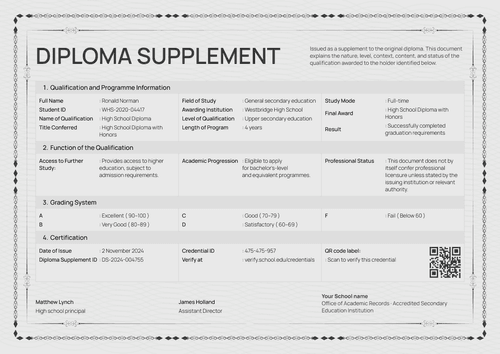
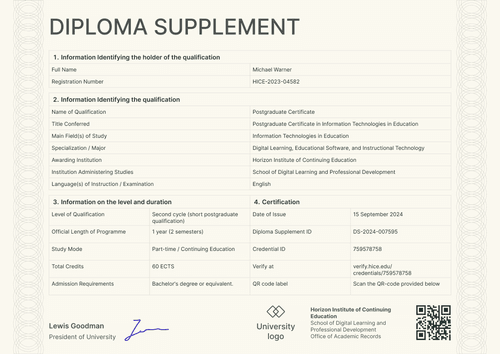
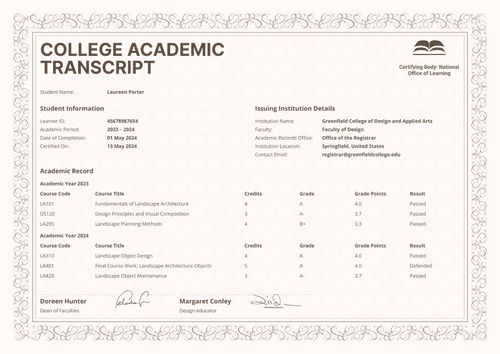
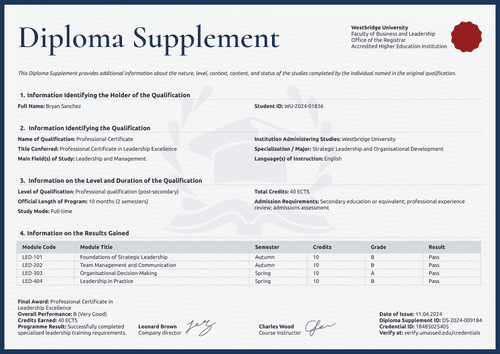
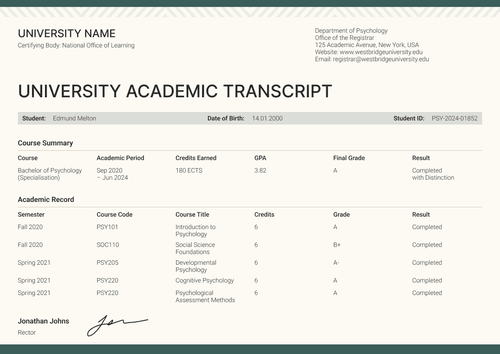
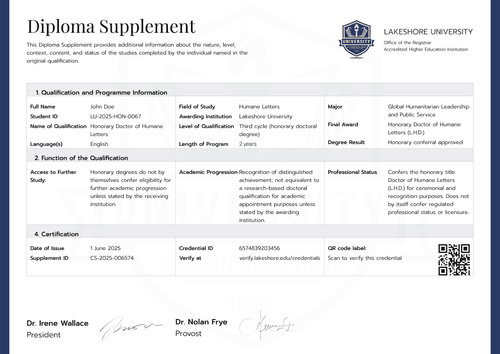
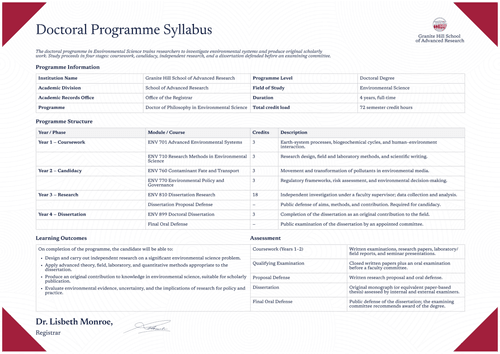
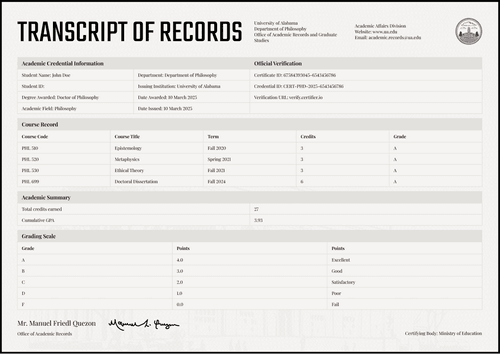
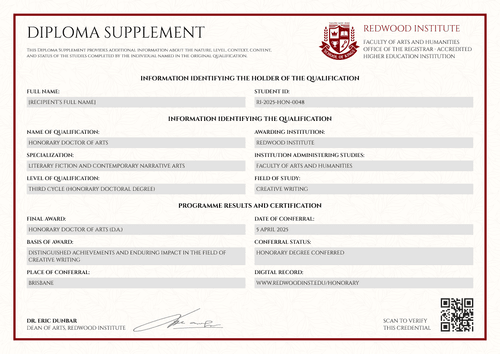
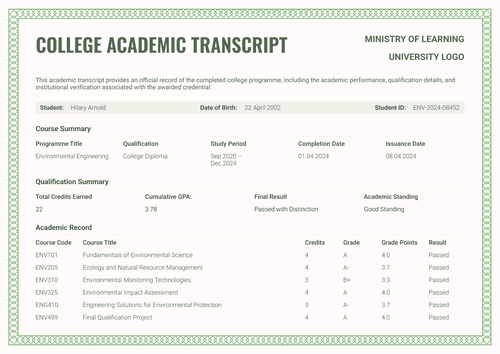
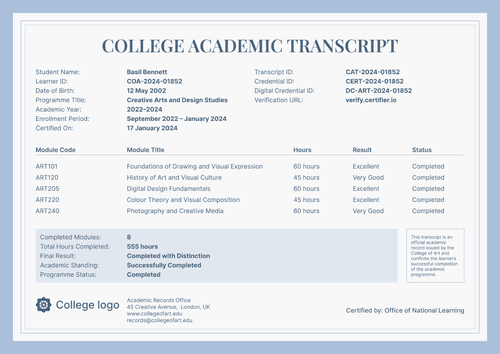
Professional beige university academic transcript template
A warm beige university academic transcript that lists the record semester by semester, signed on the document itself. Issue it with the graduation certificate as one credential set.
Customize this template for free
Email and export in bulk
Track recipient engagement
Download in
Don't have Certifier account? Sign up
Free professional beige university academic transcript template
This free university academic transcript template lists the record semester by semester, from the first introductory course to the final research project, so anyone can follow the student's academic journey.
University registrars, college records offices, graduate schools, and authorized academic administrators can use this template for multi-year degrees, staged programs, and records where progress is part of the proof.
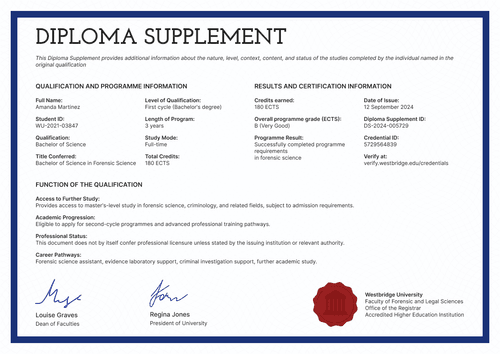
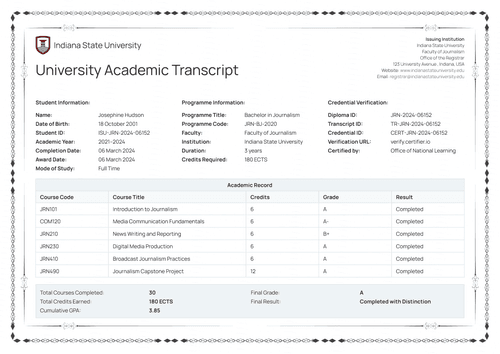
The soft beige background makes key elements, such as the two logos (a ministry mark and a school crest) at the top, the minimalist academic record table, and official signatures, stand out. Overall, the design reads well in both portrait and landscape orientations.
Every semester row, summary value, and signature block maps to a field in Certifier's online editor, ready to fill from your approved data. Bundle the academic transcript with the matching graduation certificate and effortlessly issue the credential bundle.
Need to issue academic transcripts in bulk? Import the records from a spreadsheet or connect your LMS to get your documents ready in time for graduation day. Each student receives a personal verification link they can share with an employer or another school.
What is a university academic transcript template?
A university academic transcript is the course-by-course record of a completed higher education program. Each row carries its semester, so the record reads as a timeline of the degree.
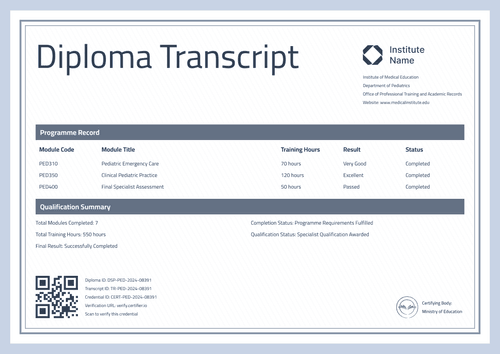
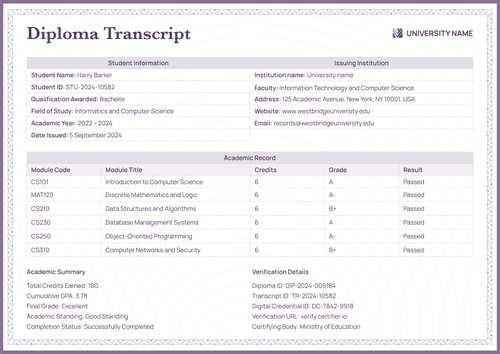
The design holds the full record on a single page, with the student block, institution block, and verification block above the table and the academic summary beside it. It ships in A4 (21 x 29.7 cm) and US Letter (8.5 x 11 in) formats, in portrait and landscape orientations.
Certifier issues the certificate and the matching graduation certificate as a single credential under a single verification link. To customize the design and start issuing academic transcripts for your institution, sign up for a free account.
What should a university academic transcript include?
If a reviewer has to guess a student’s qualifications, the academic transcript has failed. This design includes the following editable elements:
Static fields
- Logo Positions: Two marks at the top (e.g., Ministry of Education, School of Psychology).
- Section Headings: Student Information, Issuing Institution, Credential Verification, Academic Record, and Academic Summary.
- Course Table Headers: Semester, course code, course title, credits, grade, and result.
- Official-Record Statement: The footer text describes the transcript as the official record accompanying the qualification.
- Signature Blocks: Two signing areas on the record itself (e.g., Dean of Faculties, President of University).
Dynamic fields (automatically populated by Certifier)
- Student Name & Student ID: Identity fields for the graduate (e.g., PSY-2024-10458).
- Date of Birth: Labeled identity field (e.g., 08 February 2002).
- Program: Field naming the degree studied (e.g., Bachelor's in Psychology).
- Academic Year & Date Issued: Paired fields for the study window and issue date (e.g., 2023–2024; 06 November 2024).
- Institution Block: School, records office, and department lines for the issuing body.
- Institution Contact Details: Website and email fields for the academic records office.
- Semester per Course Row: Timeline field turning the record into a chronology (e.g., Fall 2023).
- Course Code & Title: Row-level identifiers for each course (e.g., PSY410, Gestalt Psychology Studies).
- Credits, Grade & Result per Course: Row values for weight, mark, and outcome (e.g., 12 credits, A, Completed).
- Total Credits & Cumulative GPA: Summary values for the program (e.g., 180 ECTS; 3.88).
- Final Grade & Final Result: Closing assessment fields (e.g., A; Graduated with Distinction).
- Academic Standing & Completion Status: Status fields confirming the record (e.g., Excellent Standing; Successfully Completed).
- Certificate Number: Tracking code linking the transcript to its graduation certificate (e.g., 46585956).
- Transcript ID & Credential ID: Verification codes unique to this record (e.g., TR-PSY-2024-10458).
- Verification URL: Live credential page link for the issued record.
The list above describes the artwork rather than a standard layout. Creating your personalized transcript is easy, as fields can be renamed, added, or dropped directly in Certifier's design builder.
How to issue a university academic transcript
To get from record to issued academic transcript, follow these five steps:
- Tailor the design to your school — Set the size and orientation, then place both logos, the seal, and the dean's and president's signatures. Choose the dynamic text blocks for student details, semester rows, and summary values.
- Bundle it with the matching graduation certificate — Link the transcript to the graduation certificate so that each graduate's award and their semester-by-semester record are generated in one run.
- Upload graduate data — Connect your student database or use our native integrations with LMS apps like Canvas, Moodle, and LearnDash, and populating the design takes less than a minute.
- Issue, deliver, and verify — Certifier automatically issues and emails every graduate a personalized transcript. Recipients can download the record or share it online through its verification link.
- Monitor engagement and fix errors — View email opens, credential views, downloads, and shares for each transcript from the Credential Repository. You can correct individual transcripts without impacting the entire batch or reissuing.
Available university academic transcript template formats to customize
Edit and issue the template online with Certifier
Use Certifier’s online editor to quickly fill in the design with your data, land in graduates’ inboxes, and get a verifiable credential page for every issued document.
Download the university academic transcript template in Word
Share your email address and get the ZIP with editable Word files in both sizes and orientations. This works best for institutions that draft and file records in Word before publication.
PDF document export
Issued transcripts export as print-ready PDFs from the graduate's email or verification page. This feature helps keep archive copies faithful to the verified original.
Who issues university academic transcripts?
University registrars
Registrars pick this design for multi-year degrees, where the semester column turns the record into a readable account of the whole program.
Graduate schools
Graduate schools value chronology when judging readiness. This layout shows progression across semesters without any extra paperwork.
College records offices
Records offices issue it as a supporting document beside the graduation certificate.
Frequently asked questions
Certifier templates are provided for general informational and design purposes only. They do not constitute legal, regulatory, accreditation, or academic-recognition advice and are not guaranteed to satisfy the requirements of any institution, recognition body, regulator, or jurisdiction. Using this template does not by itself make a document an official diploma supplement or prove a qualification. The issuing organization is responsible for verifying the content, authority, approvals, and suitability of every document before use. This template is not an official Europass document and does not guarantee recognition of a qualification.