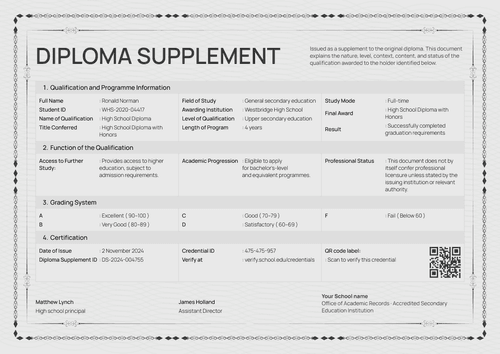
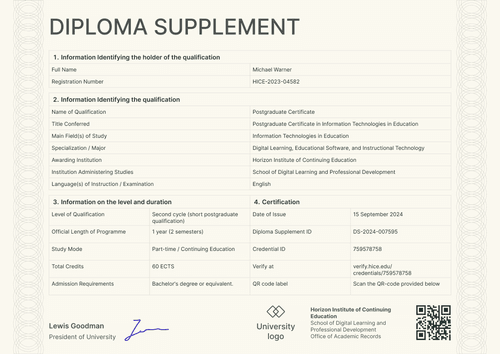
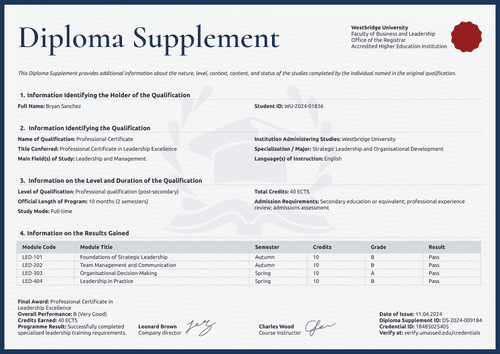
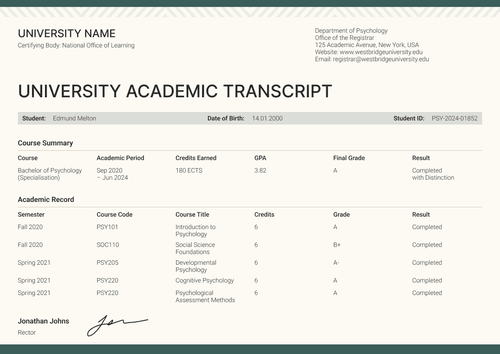
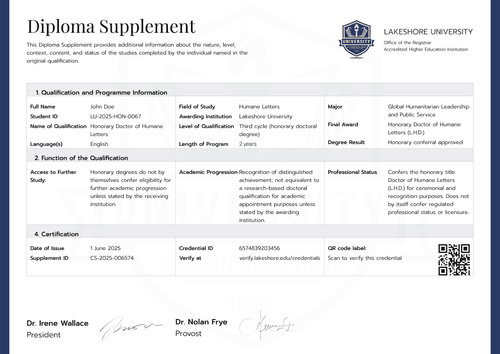
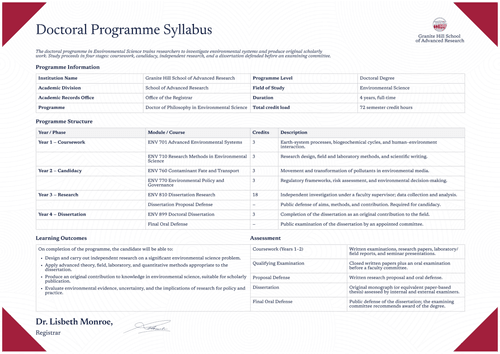
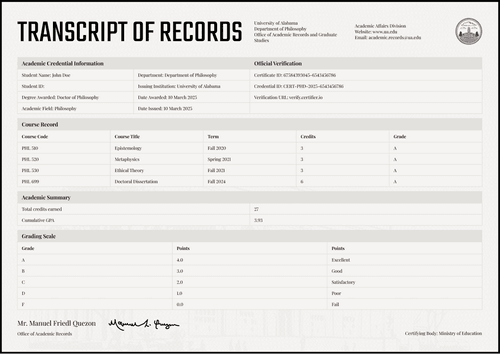
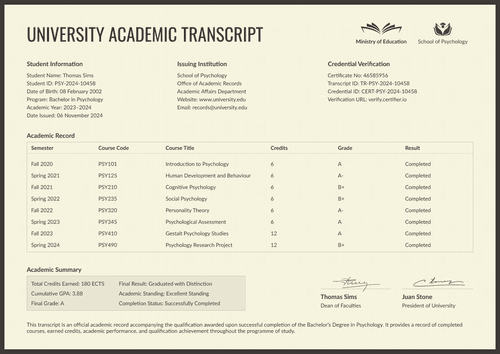
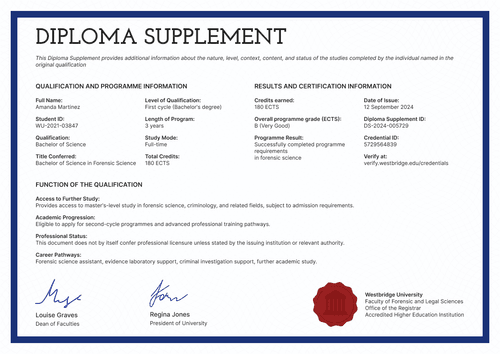
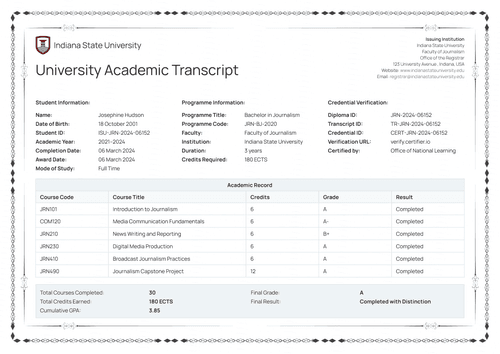
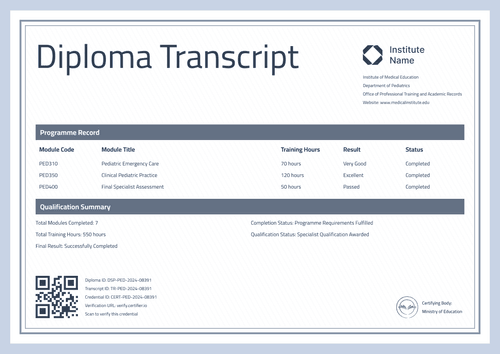
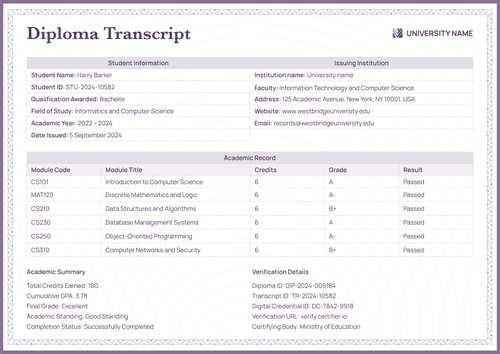
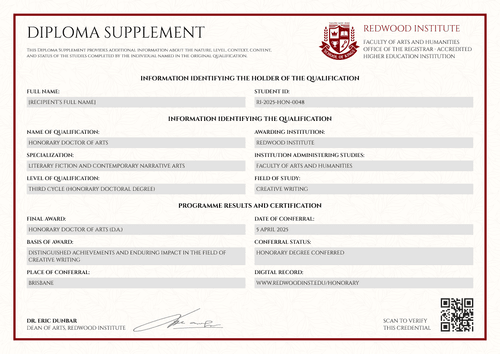
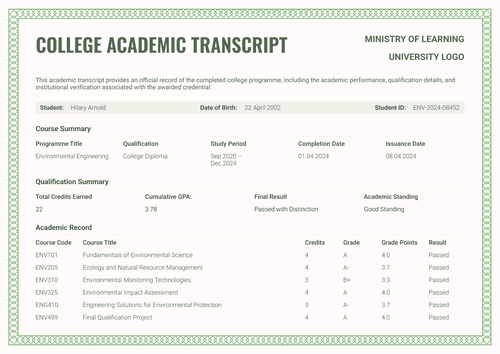
Blue graduation diploma supplement template
Explain what a professional program certified: the qualification, its level and duration, and even its admission requirements, on one signed page. Issue it with the matching graduation certificate.
Customize this template for free
Email and export in bulk
Track recipient engagement
Download in
Don't have Certifier account? Sign up
Free blue graduation diploma supplement template
Professional programs live between worlds by being taught like courses but judged like qualifications. This free diploma supplement template gives them a proper academic record. Two numbered sections cover qualification information and the level and duration, including study mode, total credits, and admission requirements.
It suits higher education registrars, academic records offices, graduate schools, and institutions authorized to award the represented qualification, especially for short-cycle and continuing education programs delivered in partnership.
The design frames the page in navy with a fine gold inner line and an eagle watermark behind the tables. Two signature areas close the page as the sample pairs a course instructor with a company director, a common signature set for industry-partnered programs.
A matching graduation certificate completes the set and can be issued simultaneously, so the award and its explanation reach the graduate together.
Need to issue supplements in bulk? Import the records from a spreadsheet or connect your LMS so the whole cohort is ready on the day the program closes. Each graduate receives a personal verification link they can share with an employer or a further education provider.
What is a graduation diploma supplement?
A diploma supplement explains the qualification a certificate represents. It records what was studied, at what level, for how long, and under what conditions, so another institution or employer can evaluate the award.
This design tells that story on one page through two numbered sections, with the holder identified above them and the preamble note stating the document's purpose. It comes in A4 (21 x 29.7 cm) and US Letter (8.5 x 11 in) sizes, in portrait and landscape orientations.
Issue it through Certifier, with the matching graduation certificate as a single credential under a single verification link. Create a free account to customize the supplement and issue it with your certificates.
What should a diploma supplement include?
Every element below is included in this design and can be edited in the online builder:
Static fields
- Preamble Note: Standing text explaining that the document describes the nature, level, context, content, and status of the studies.
- Institution Block: University, faculty, records office, and accreditation lines.
- Section Headings: Two numbered blocks covering qualification information, level, and duration.
- Signature Areas: Two labeled signing spaces (e.g., Course Instructor, Company Director).
- Watermark & Frame: The eagle motif and navy-and-gold border of the design.
Dynamic fields (automatically populated by Certifier)
- Full Name & Registration Number: Identity fields for the holder (e.g., WTU-2022-03841).
- Qualification Information: Field naming the type of award (e.g., Professional Certificate).
- Title Conferred: Text field for the full award title (e.g., Professional Certificate in Coding and Software Development).
- Main Field(s) of Study & Major: Fields for the discipline and specialization (e.g., Computer Science and Software Development).
- Awarding Institution: Field naming the body conferring the qualification.
- Language(s) of Instruction: Field for the teaching and examination language (e.g., English).
- Level of Qualification: Field placing the award in its framework (e.g., Professional qualification, post-secondary).
- Degree Cycle: Field naming the program cycle (e.g., Short-cycle professional program).
- Official Length of Program: Duration field with semester count (e.g., 9 months, 2 semesters).
- Study Mode: Field describing the attendance pattern (e.g., Part-time continuing education).
- Total Credits: Value field listing credits earned (e.g., 45 ECTS).
- Admission Requirements: Text field stating the entry conditions the cohort met (e.g., secondary education or equivalent).
Treat this list as a guideline, not as a strict standard. Rename, move, and delete in Certifier's design builder to create a document that fits your requirements.
How to issue a diploma supplement
To issue a supplement using Certifier, follow these five steps:
- Shape the design to your program — Set the size and orientation, then upload your university block and both partner signatures. Choose the dynamic text blocks for holder identity, qualification details, and credits.
- Bundle it with the matching graduation certificate — Link the supplement to the graduation certificate so that a graduate's award and its explanation are generated in the same run.
- Upload graduate data — Connect your CRM or use our native integrations with LMS apps like Canvas, Moodle, and LearnDash, and filling in the data takes less than a minute.
- Issue, send, and verify — Certifier issues and emails each graduate a personalized supplement automatically. Recipients can download their documents or share them online through the credential page.
- Track engagement and manage errors — View email opens, credential views, downloads, and shares for every supplement in the Credential Repository. Correcting a graduate's details requires no reissue and the public page is updated instantly.
Available diploma supplement template formats to customize
Edit and issue the template online with Certifier
Editing the design in Certifier brings you three perks: graduate-specific data, delivery to each inbox, and a live credential page carrying every supplement.
Download the diploma supplement template in Word
Working from your own files or sharing a copy with your program partner first? Enter your email address to receive a ZIP file containing customizable Word documents in both portrait and landscape orientations, in A4 and US Letter sizes.
PDF document export
Each issued supplement doubles as a print-ready PDF, available to graduates and coordinators straight from the delivery email or the credential page.
Who issues graduation diploma supplements?
Higher education registrars
Registrars use it to give professional and continuing education programs the same documentary respect as degree programs.
Academic records offices
Records offices issue it when a certificate alone raises questions that a level, duration, and credits section would answer.
Institutions with industry partners
Programs run jointly with companies issue it with both signatures on the page, so the academic and industry sides of the program stand behind the record together.
Frequently asked questions
Certifier templates are provided for general informational and design purposes only. They do not constitute legal, regulatory, accreditation, or academic-recognition advice and are not guaranteed to satisfy the requirements of any institution, recognition body, regulator, or jurisdiction. Using this template does not by itself make a document an official diploma supplement or prove a qualification. The issuing organization is responsible for verifying the content, authority, approvals, and suitability of every document before use. This template is not an official Europass document and does not guarantee recognition of a qualification.