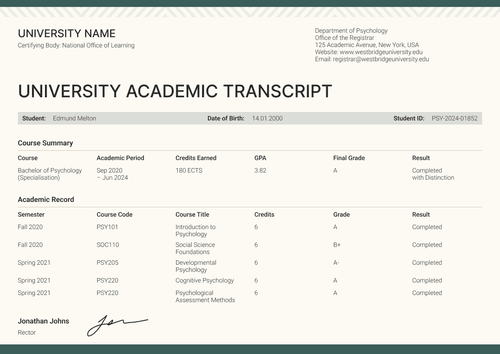
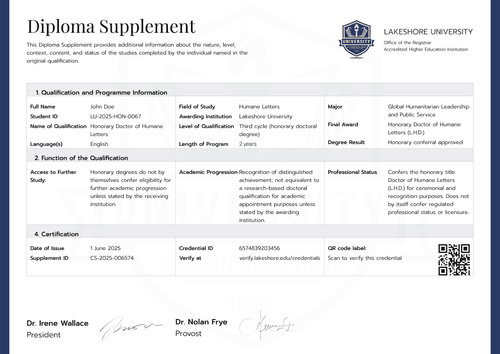
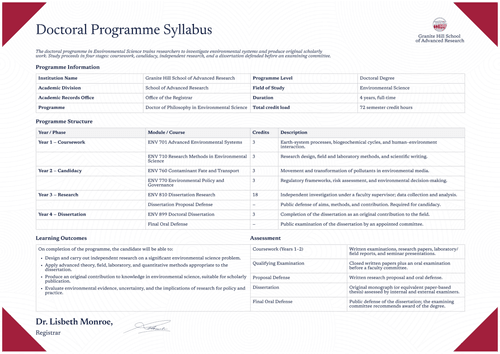
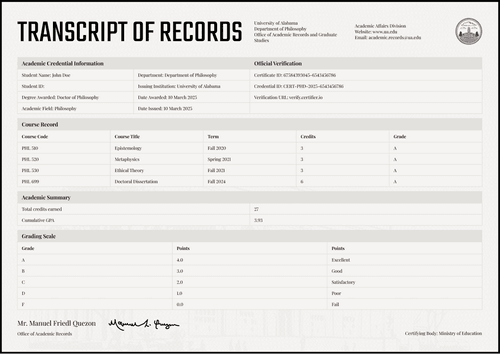
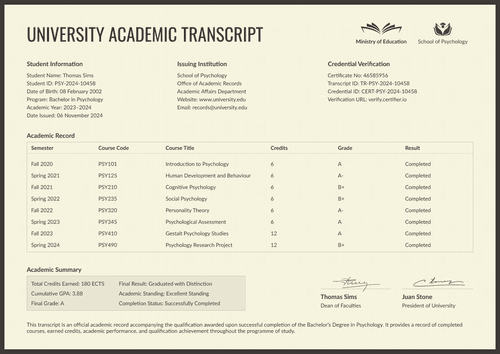
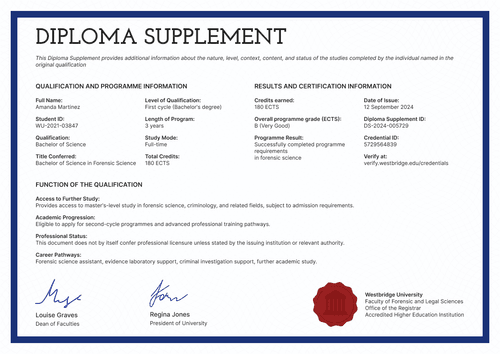
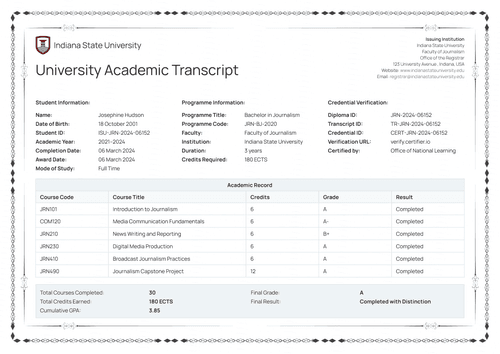
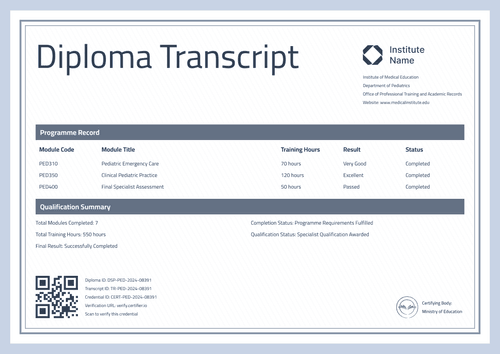
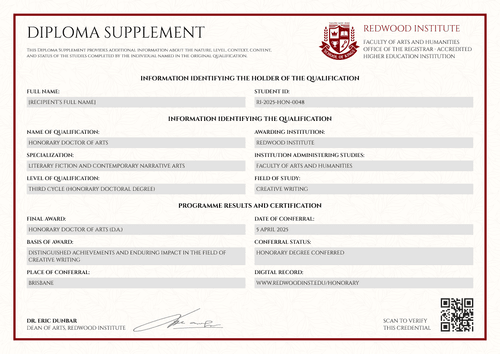
Brown PhD diploma supplement template
Document a doctoral qualification with its level, workload, and verification details placed up front. Issue it with the digital degree certificate as one QR-verified credential.
Customize this template for free
Email and export in bulk
Track recipient engagement
Download in
Don't have Certifier account? Sign up
Free brown PhD diploma supplement template
Doctoral credentials get checked by the most careful readers in education. This free diploma supplement template answers them in their own order: the holder first, the certification and verification details second, and only then the level, workload, and qualification details.
It is designed for higher education registrars, academic records offices, graduate schools, and institutions authorized to award doctoral qualifications, with the sample documenting a PhD in climate policy.
The cream-textured ground, set within a black frame, and the quiet serif titles give the supplement a timeless, clean look. A QR code is placed in the right corner for ease of use, while the signatures coming from a digital credentials director and a dean of graduate programs are on the opposite side.
The matching companion to this supplement is a digital doctoral degree certificate, so the award and its formal explanation are issued as a single verified pair.
Conferring several doctorates in one ceremony? Import the records from a spreadsheet or connect your LMS to have the supplements prepared before the date. Each doctoral holder receives a personal verification link they can send to a funder or a research institution.
What is a PhD diploma supplement?
A diploma supplement describes the qualification behind a degree so that another university, a funder, or an employer can evaluate it precisely. For a doctorate, that means the cycle, the years, the workload, and what the degree entitles its holder to.
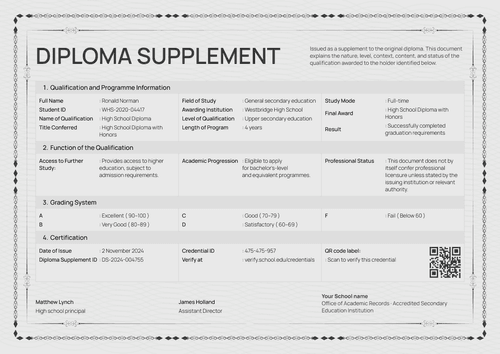
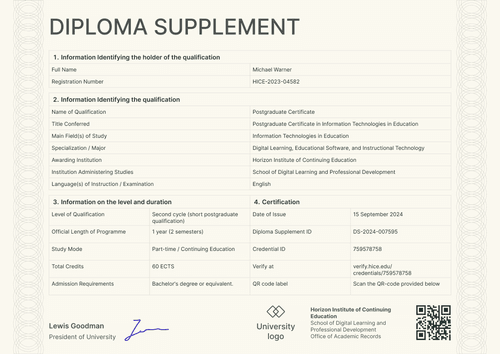
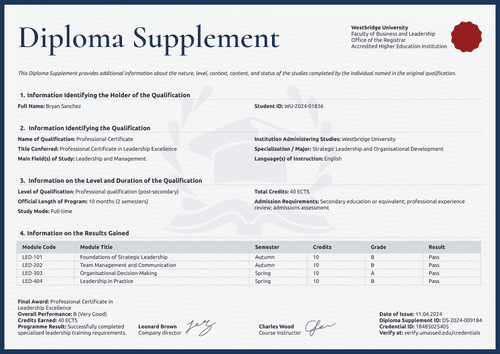
This design covers those facts in four numbered sections on one page, in A4 (21 x 29.7 cm) and US Letter (8.5 x 11 in) sizes, in portrait and landscape orientations.
Certifier issues the supplement together with a matching doctoral degree certificate as a single credential, verified via a single link and the QR code on the page. Sign up for a free Certifier account to edit the design and start issuing doctoral supplements.
What should a PhD diploma supplement include?
A doctoral evaluator reads for precision. That’s why this design includes the following editable fields:
Static fields
- Purpose Note: Standing text stating the document supports academic and professional recognition.
- Institution Header: University, faculty, records office, and accreditation lines.
- Section Headings: Four numbered blocks for holder information, certification of the supplement, level and duration, and qualification information.
- Signature Areas: Two labeled signing spaces (e.g., Digital Credentials Director; Dean of Graduate Programs).
Dynamic fields (automatically populated by Certifier)
- Full Name & Registration Number: Identity fields for the doctorate holder (e.g., VGU-2020-PHD-0092).
- Date of Issue: Date field recording when the supplement was issued (e.g., February 17, 2025).
- Diploma Supplement ID & Credential ID: Verification tracking codes (e.g., DS-2024-004786; 748504619).
- Verify-at Address: Live verification page link printed on the document.
- Level of Qualification & Degree Cycle: Framework fields for the doctorate (e.g., Third cycle, doctoral degree).
- Official Length of Program: Duration field with semester count (e.g., 4 years, 8 semesters).
- Study Mode & Total Credits: Attendance pattern and credit value (e.g., Full-time; 240 ECTS).
- Workload: Value field stating the annual pace of the program (e.g., 60 ECTS per year).
- Admission Requirements: Text field for entry conditions (e.g., Master's degree or equivalent in a relevant field).
- Name of Qualification & Title Conferred: Award fields naming the degree (e.g., Doctor of Philosophy in Climate Policy).
- Main Field(s) of Study: Discipline field (e.g., Climate Policy).
- Awarding & Administering Institutions: Fields for the conferring body and the faculty running the studies.
- Language(s) & Specialization: Instruction language and research specialization fields (e.g., English; Environmental Governance).
- QR Code: Scannable code opening the credential page. (QR codes are placed in the design builder on the Professional plan and above.)
Read the list as an inventory of this design template, not a required structure. Certifier's design builder lets you customize the layout according to your needs.
How to issue a PhD diploma supplement
Here’s how you can generate a verifiable PhD diploma supplement using Certifier:
- Prepare the design for your graduate school — Choose the size and orientation, then add your university header and both signatures. Mark the dynamic text blocks for holder identity, certification IDs, and qualification details.
- Bundle it with the matching doctoral degree certificate — Link the supplement to the degree certificate so that the doctorate and its formal explanation are generated in one run.
- Upload doctoral records — Whether you connect your student system or use our native integrations with LMS apps like Canvas, Moodle, and LearnDash, populating the design takes less than a minute.
- Issue, deliver, and verify — Certifier automatically issues and emails every doctor their personalized supplement. Recipients can download the document or share it online using QR codes.
- Track engagement and correct data errors — The Credential Repository tracks email opens, credential views, downloads, and shares for each supplement. Fix a recipient's details without reissuing and the public record changes at once.
Available PhD diploma supplement template formats to customize
Edit and issue the template online with Certifier
Using the online builder suits doctoral records completely: exact per-recipient data, controlled delivery, and verification that outlives any inbox.
Download the PhD diploma supplement template in Word
Prefer your own files or need a version for committee review? Leave your email address to receive a ZIP file containing the customizable Word documents in both portrait and landscape orientations, in A4 and US Letter sizes.
PDF document export
Issued supplements export as print-ready PDFs from the recipient's email or credential page, keeping ceremonial print copies aligned with the verified record.
Who issues PhD diploma supplements?
Graduate schools
Graduate schools issue it so that each doctorate travels with its cycle, workload, and specialization, all stated in evaluator language.
Higher education registrars
Registrars use the front-loaded certification section to cut verification requests: the IDs and verify-at address meet the reader in section two.
Academic records offices
Records offices adopt it for doctoral cohorts where each record is unique and precision matters more than volume.
Frequently asked questions
Certifier templates are provided for general informational and design purposes only. They do not constitute legal, regulatory, accreditation, or academic-recognition advice and are not guaranteed to satisfy the requirements of any institution, recognition body, regulator, or jurisdiction. Using this template does not by itself make a document an official diploma supplement or prove a qualification. The issuing organization is responsible for verifying the content, authority, approvals, and suitability of every document before use. This template is not an official Europass document and does not guarantee recognition of a qualification.