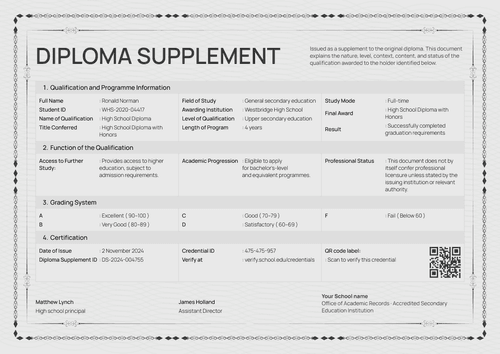
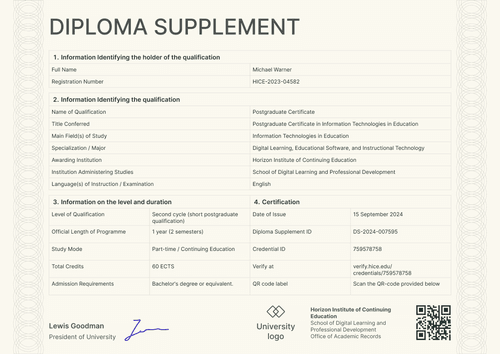
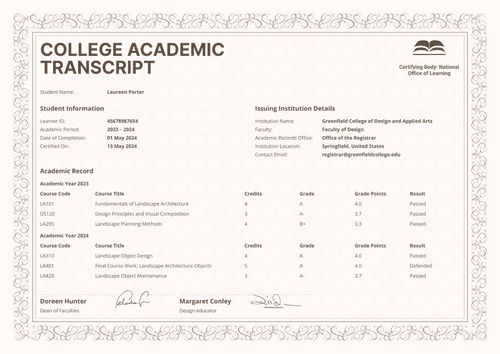
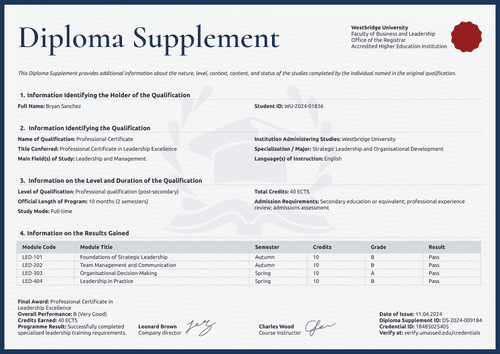
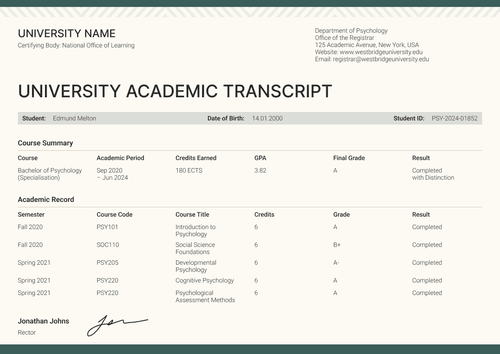
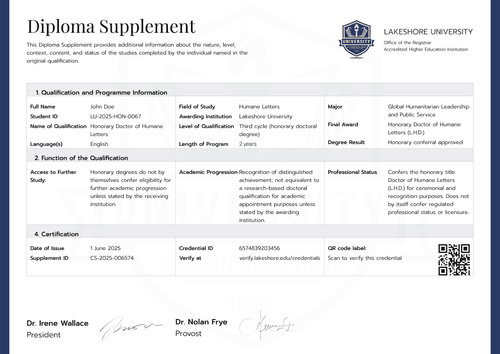
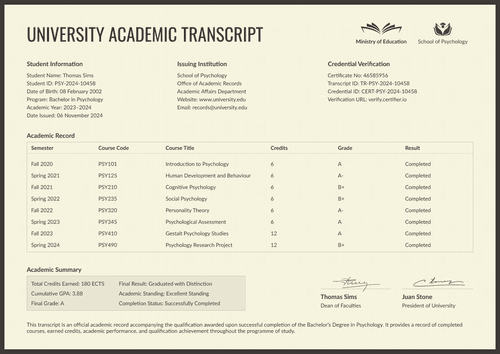
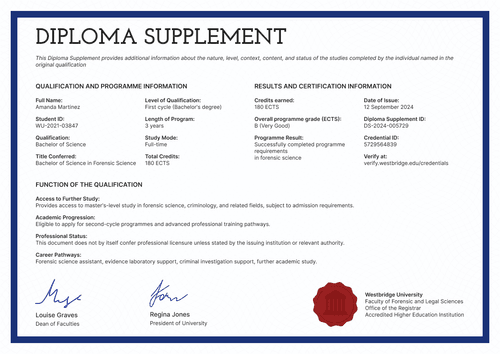
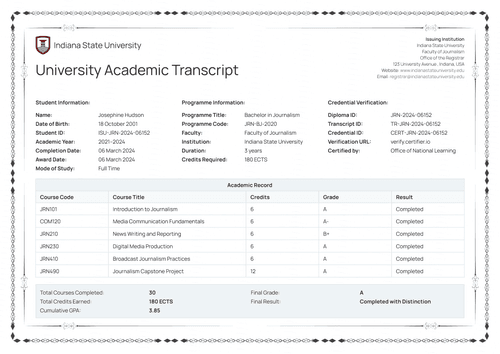
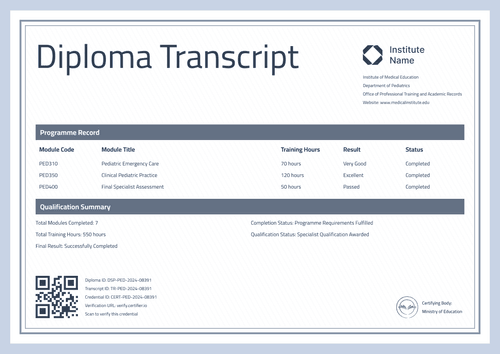
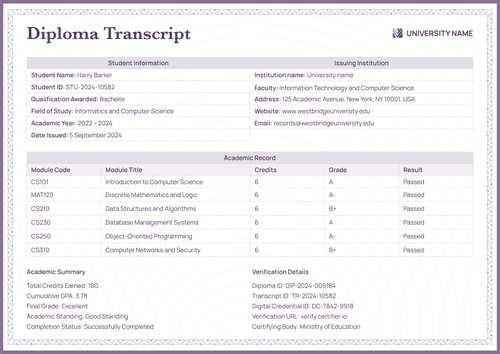
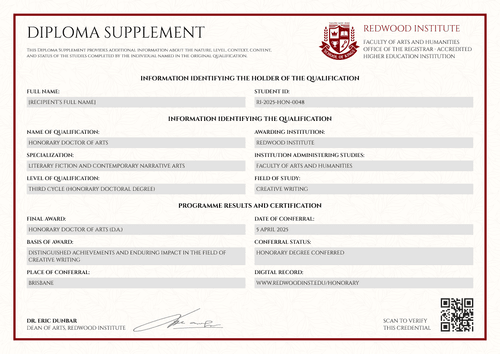
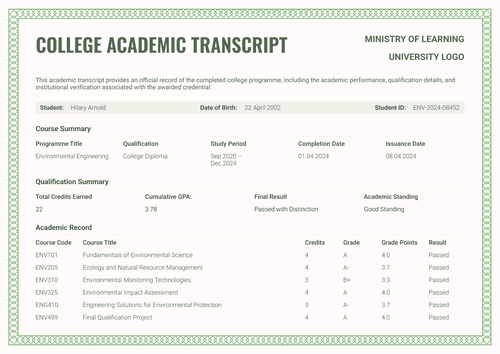
Professional green diploma supplement template
Customize this diploma supplement and automatically add graduate records. Issue it with an equally elegant matching diploma certificate in one go.
Customize this template for free
Email and export in bulk
Track recipient engagement
Don't have Certifier account? Sign up
Free professional diploma supplement template
This free diploma supplement template provides additional information for a diploma certificate, including the program covered, its level and duration, and the results. This supplement allows vocational schools, retraining providers, and corporate L&D teams to showcase what each award entails.
The deep green double-rule frame sits over a fine guilloche pattern for a clean, professional look. Bordered rows keep every entry legible whether the document is printed or viewed online, in portrait or landscape.
Customizing the supplement takes minutes and no design or coding skills are required. Adjust the color palette, add your institution block and signature, and map the holder and results fields in Certifier’s online editor. Then, pair the diploma supplement with the matching diploma template so that both documents are issued as a credential bundle.
When a new cohort graduates, import the records from a spreadsheet or connect your LMS to issue documents in bulk. Every graduate receives a personal verification link they can show to an employer or another school.
What is a professional diploma supplement?
A diploma supplement explains in detail the nature, level, content, and results of a program completed by a graduate so that another educational institution or an employer can evaluate it.
In this editable diploma supplement, that explanation lives in five numbered sections, from holder identification through to the certification of the supplement itself, laid out on A4 (21 x 29.7 cm) with a US Letter (8.5 x 11 in) variant.
The supplement and its matching certificate travel together as a complete credential that can be verified via a unique link. Sign up for a free Certifier account to customize and edit the design and start issuing documents using this template.
What should a diploma supplement include?
A diploma supplement provides information that makes it easier for employers and educational institutions to understand a specific qualification. Use the online builder to edit and customize the following fields:
Static fields
- Institution Block: Institution name, department, and accreditation lines (e.g., Department of Professional Retraining, Office of Academic Records).
- Training Provider Logo or Crest: Labeled institutional graphic showing the official issuing academy.
- Section Headings: Five numbered sections that organize the record, including holder information, qualification details, level and duration, results, and official certification data.
- Signature & Role Area: Designated space for the signer's name and function (e.g., Commission Chairman).
Dynamic fields (automatically populated by Certifier)
- Full name and student ID: Labeled fields containing the recipient’s name and identity records (e.g., WIPE-2022-03491).
- Qualification Title & Conferred Diploma: Name of qualification and title conferred (e.g., Professional Retraining Certificate in Child and Adolescent Psychology).
- Main Field(s) of Study & Specialization/Major: Areas for the field of study and program specialization (e.g., Developmental Psychology and Psychological Assessment).
- Institution & Instruction/Examination Language(s): Name of institution administering the studies and the language(s) the graduate completed the program in (e.g., English).
- Qualification Level & Program Length: Level of qualification (e.g., short-cycle professional program), program duration (e.g., 14 months, 2 semesters), and study mode (e.g., part-time).
- Award & Overall Performance: Name of award and score field for overall performance (e.g., B - Very Good).
- ECTS Credits Earned per Program: Value field listing ECTS points earned (e.g., 60 ECTS).
- Program Result Statement: Text field restating program achievements.
- Issue Date & Diploma Supplement ID: Verification tracking code (e.g., DS-2023-004562).
- Credential ID & Verification URL: Unique live verification page link (e.g., verify.wipe.edu/credentials/456-232-525-66).
Keep in mind that this list is a description of the template design rather than a universal or fixed standard. Fields can be renamed, added, or removed in Certifier's design builder until the layout matches your needs.
How to issue a diploma supplement
Follow these five easy steps to generate your document using Certifier:
- Edit the design to match your requirements — Set the right size and orientation, then upload your logo, seal, and digital signature. Choose the dynamic text blocks on the design, including names, results, and ECTS credits.
- Bundle it with the matching diploma certificate — Link the diploma supplement to the certificate of completion so that a graduate's award and its record are generated in the same run.
- Upload graduate data — Whether you choose to connect your CRM or use our native integrations with LMS apps like Canvas, Moodle, and LearnDash, populating the design with your data takes less than a minute.
- Issue, deliver, and verify — Certifier lets you automatically issue and email personalized supplements to each graduate. Recipients can download the credentials or share them online using QR codes.
- Review credential engagement and fix errors — Use the Credential Repository to monitor email opens, credential views, downloads, and shares for each diploma supplement. You can also fix a graduate's details without reissuing, the correction appearing on the public document right away.
Available diploma supplement template formats to customize
Edit and issue the template online with Certifier
Use Certifier to edit the design and get instant access to recipient-specific data, direct inbox delivery, and a live credential page for every graduate.
Download the template in Microsoft Word
Prefer working in your own files or need to keep an internal copy? Simply enter your email address to receive a ZIP file containing the customizable Word documents in both portrait and landscape orientations, in A4 and US Letter sizes.
PDF document export
Once issued, any supplement doubles as a print-ready PDF that graduates and coordinators can pull straight from the delivery email or the credential page.
Who issues diploma supplements?
Vocational schools and retraining providers
Programs certifying career-changing qualifications use this as a retraining diploma supplement template, documenting scope, level, and results the way employers want to check them.
Corporate L&D teams
Internal academies use it as a course-completion diploma supplement template, providing reskilling tracks with an auditable record that outlasts the training itself.
Online academies
Digital-first schools issue the supplement with every diploma so that students hold a comprehensive, verified record they can present anywhere.
Frequently asked questions
Certifier templates are provided for general informational and design purposes only. They do not constitute legal, regulatory, accreditation, or academic-recognition advice and are not guaranteed to satisfy the requirements of any institution, recognition body, regulator, or jurisdiction. Using this template does not by itself make a document an official diploma supplement or prove a qualification. The issuing organization is responsible for verifying the content, authority, approvals, and suitability of every document before use. This template is not an official Europass document and does not guarantee recognition of a qualification.